

Latest Version
Dominik Tirschler
IT Tools
Linux
Free
de.scrylab.ScryLab
Report a Problem
More About ScryLab
Engineers and data scientists frequently struggle with a common bottleneck: how to efficiently visualize and compare complex measurement data without writing repetitive, throwaway plotting scripts. When dealing with high-frequency signals or large datasets, standard plotting libraries can feel sluggish and restrictive. The ScryLab data analysis application offers a streamlined, interactive solution specifically built to address these workflow inefficiencies on Linux platforms.
Interactive Data Exploration and Plotting
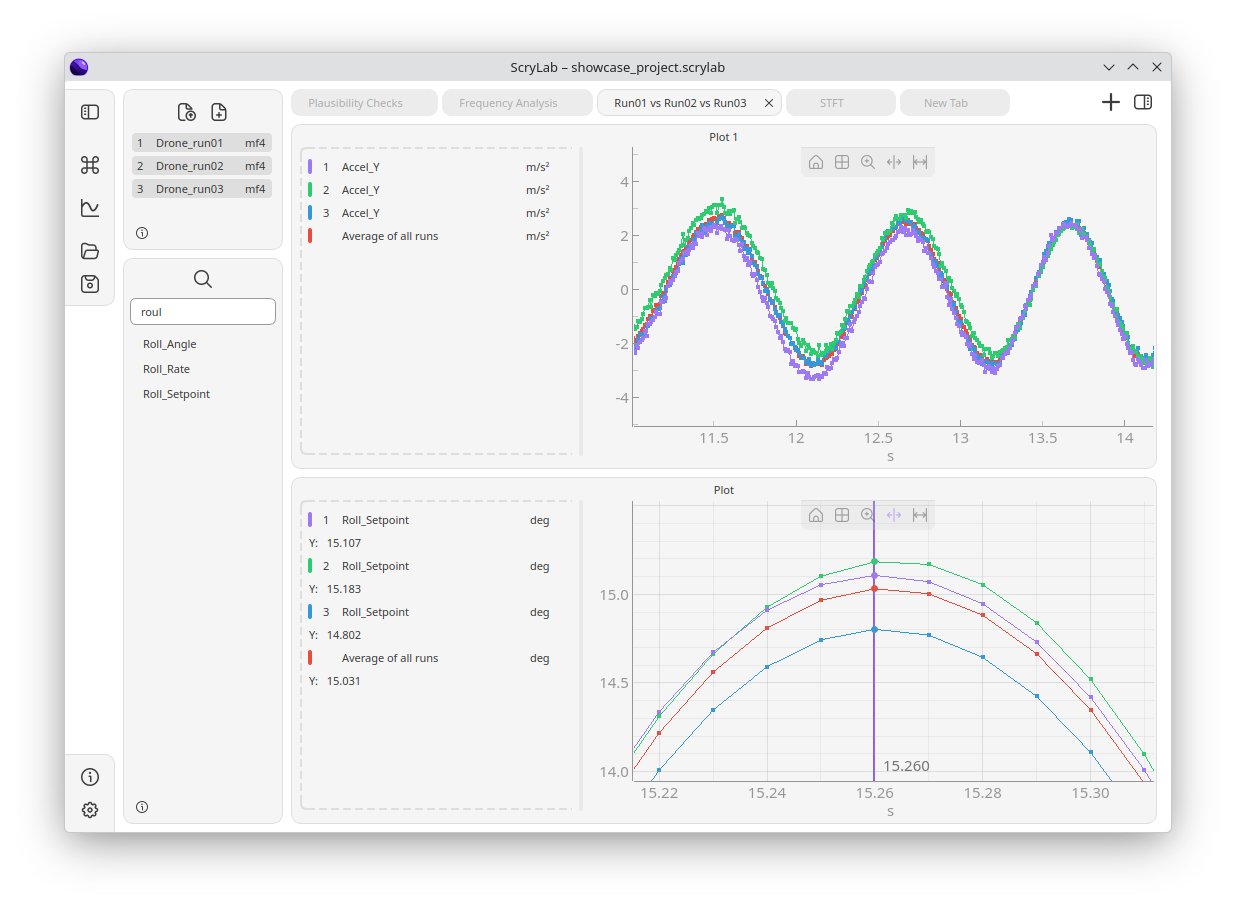
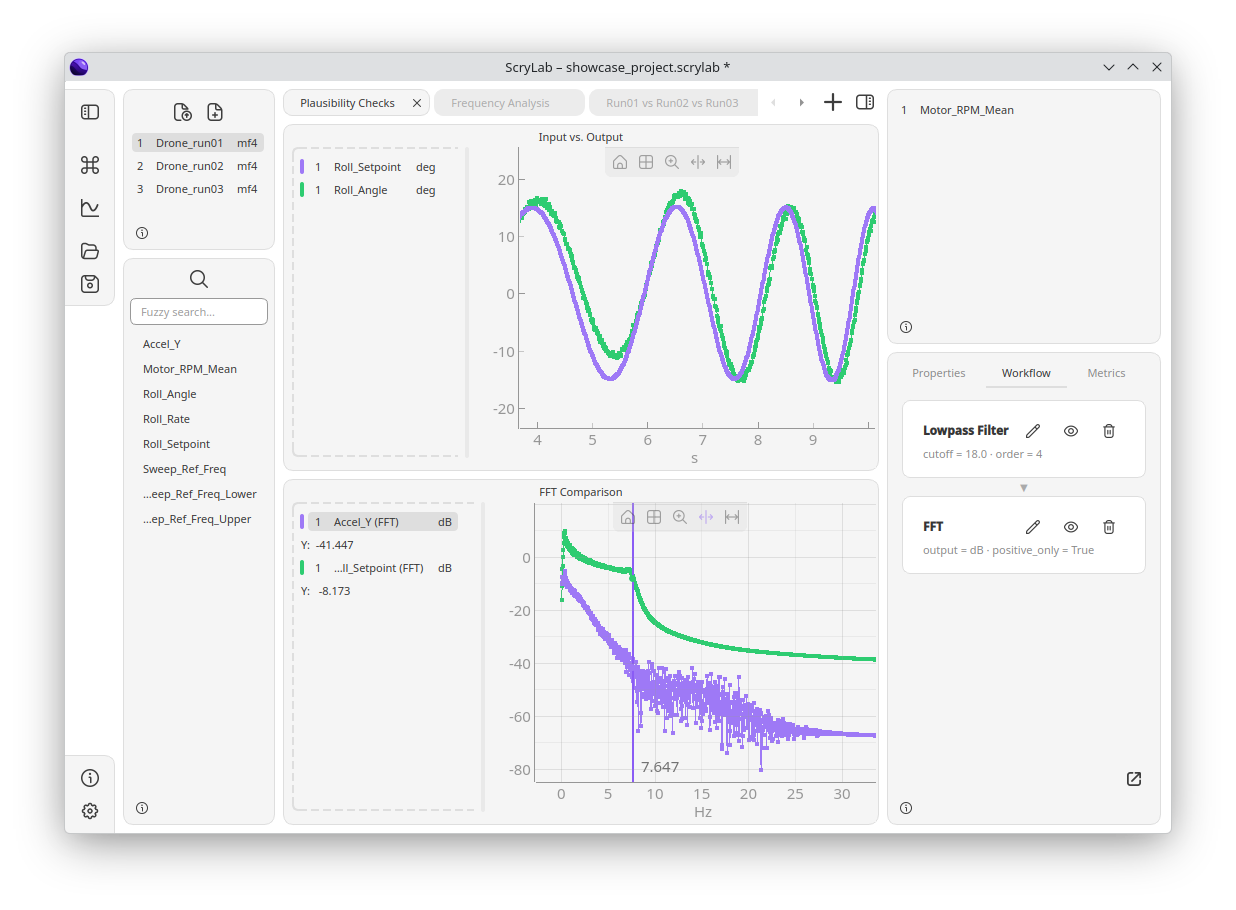
At its core, ScryLab acts as a dynamic workbench for your technical datasets. Instead of generating static images, the software allows you to explore data from a running Python environment or directly from saved physical files using highly interactive, side-by-side plots. Whether you need to compare multiple test runs or isolate a specific anomaly in a timeline, the platform supports several specialized visualization formats, including:
- Line and scatter plots for standard time-series tracking
- XY views for characteristic curve evaluations
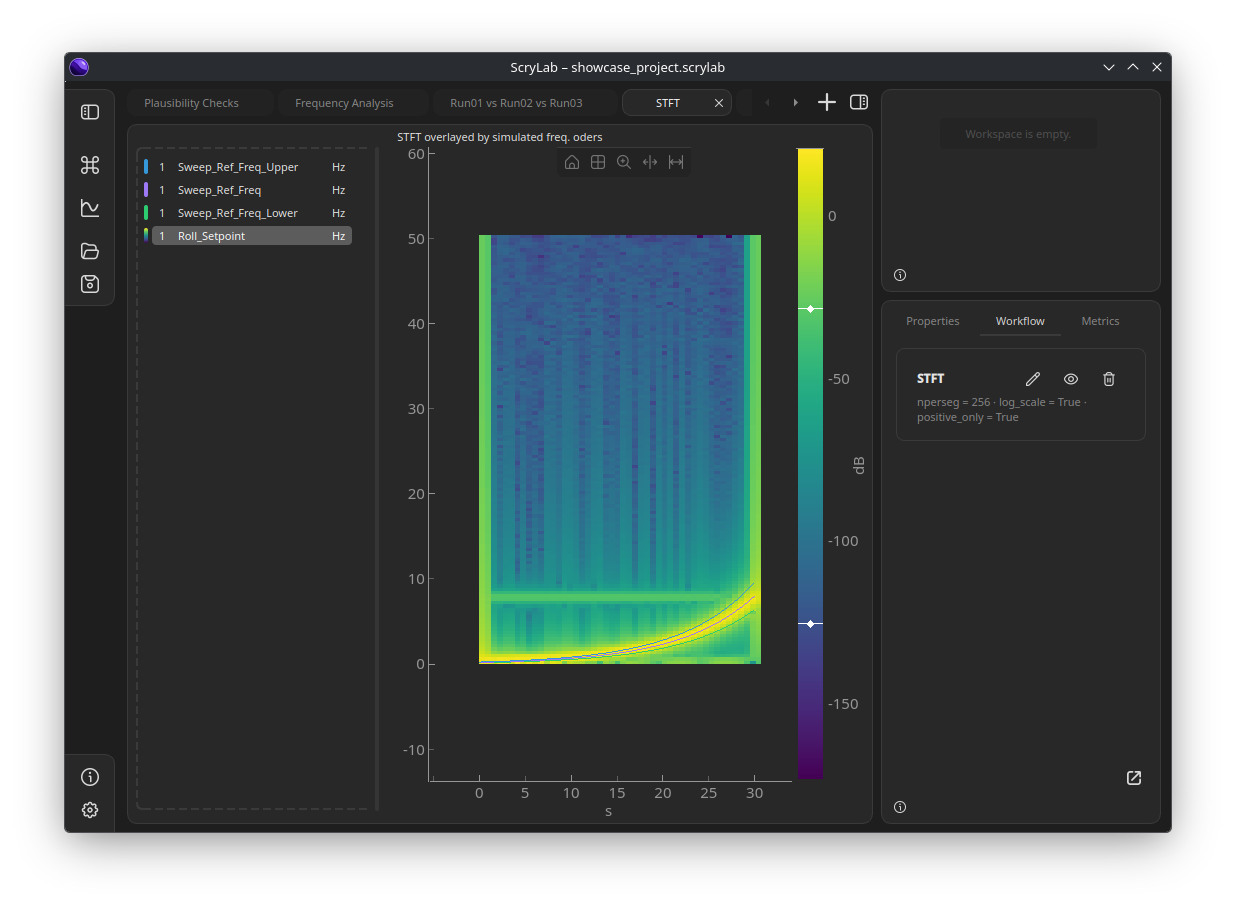
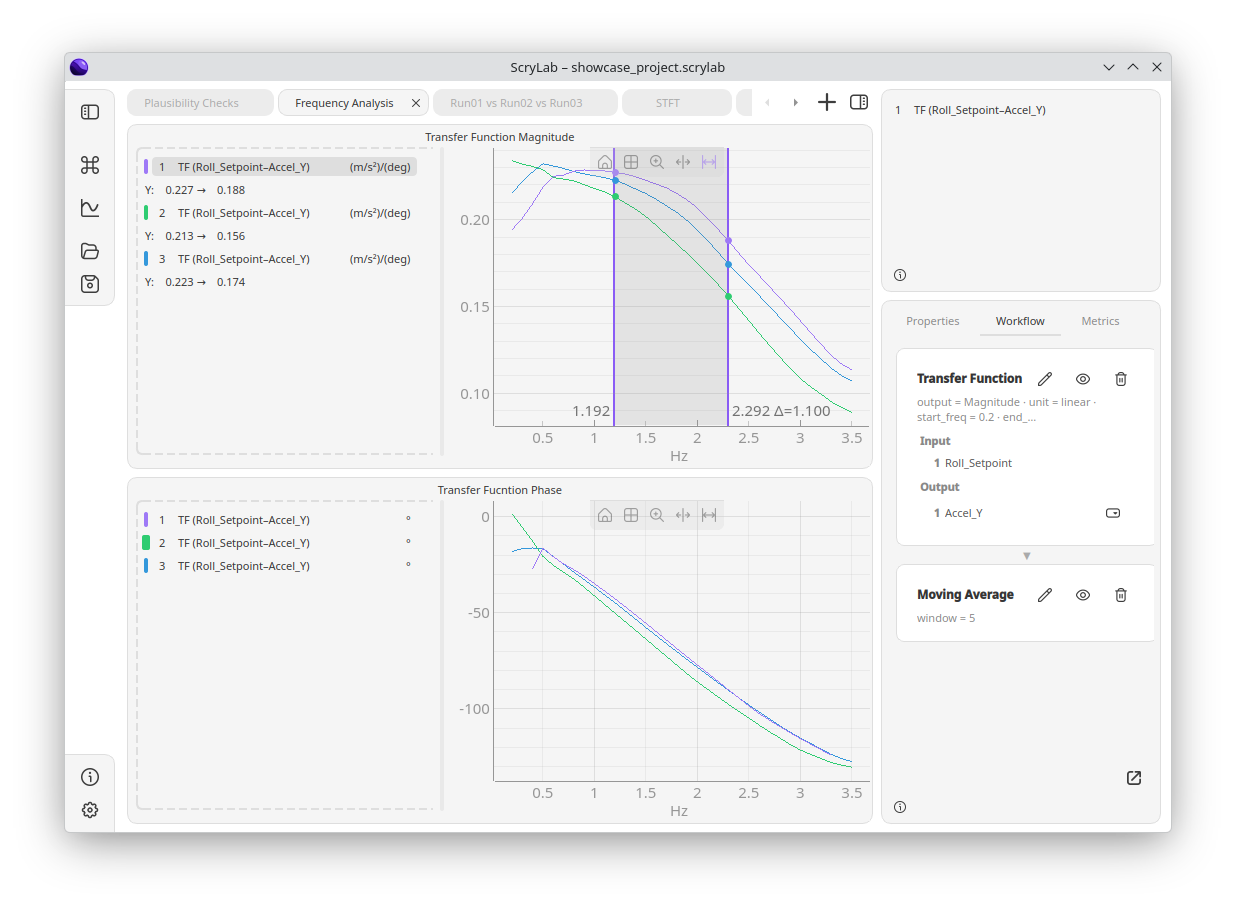
- Frequency and spectrogram views for deep signal analysis
Advanced Signal Processing and Analysis Tools
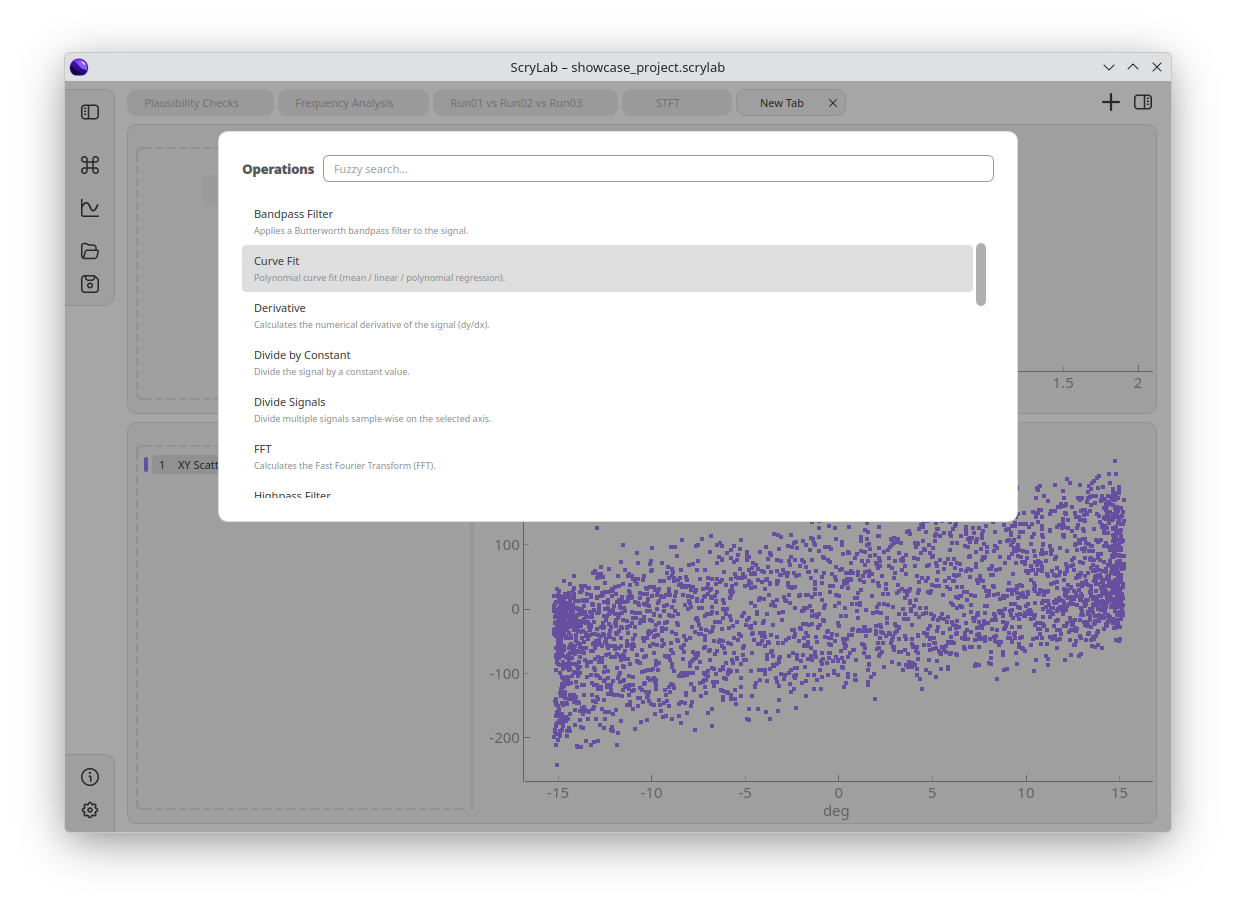
Beyond simple visualization, this ScryLab data analysis tool equips engineers with an array of analytical operations. Users can perform quick mathematical operations such as addition, differentiation, and integration directly on their active signals. For more complex engineering tasks, the software features built-in support for Fast Fourier Transforms (FFT), Short-Time Fourier Transforms (STFT), moving averages, and regression modeling, making it an excellent utility for noise analysis and trend forecasting.
Seamless Integration with Engineering Workflows
To fit perfectly into existing test and measurement pipelines, ScryLab natively supports standard industry file formats, specifically MDF (.mf4, .mf3) and HDF5 (.h5, .hdf5). Additionally, developer Dominik Tirschler has integrated a local REST API. This API allows engineers to upload signals programmatically from any external programming environment or custom toolchain, bridging the gap between automated hardware-in-the-loop tests and manual visual inspection.
An Essential Utility for Linux Engineers
For technical professionals who require rapid, reliable, and interactive signal visualization on Linux, ScryLab represents a highly specialized and productive environment. To integrate this tool into your development stack, you can find the application on its official Flathub store page.
Rate the App
User Reviews

Popular Apps










Editor's Choice